How to Get a Bank Statement: Online, App, Branch, and Mail
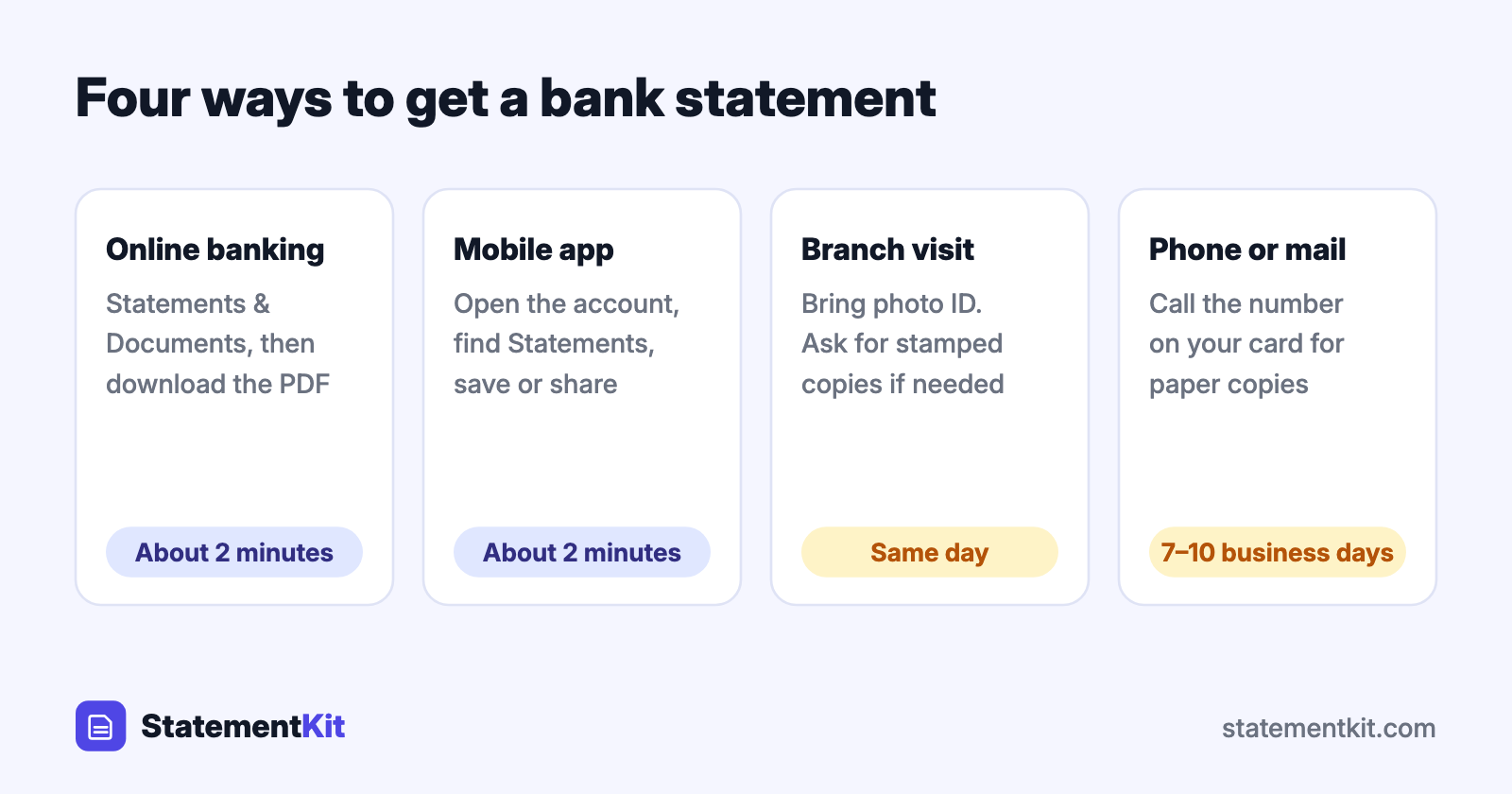
The fastest way to get a bank statement is to download it as a PDF from online banking or the bank’s mobile app. It takes about two minutes, it is free, and the PDF is the same official document the bank would print for you. Branches, phone support, and mail cover the cases where online access is unavailable or you need a stamped copy.
Four ways to get a bank statement
| Method | Time | Cost | Best for |
|---|---|---|---|
| Online banking | About 2 minutes | Free | Recent and past statements as PDF |
| Mobile app | About 2 minutes | Free | Downloading or sharing from your phone |
| Branch visit | Same day | Often free, sometimes a small fee | Stamped or signed copies |
| Phone or mail request | Several business days | A fee may apply for paper copies | Closed accounts and very old statements |
How to download a statement online
The menu names differ slightly from bank to bank, and the path is the same almost everywhere:
- Sign in to online banking on the bank’s website.
- Select the account you need.
- Open Statements, Statements & Documents, or Documents.
- Choose the year and the month.
- Select Download or Save as PDF.
Save the file with a clear name such as checking-2026-10.pdf. If you have paperless statements turned on, the PDF online is your official statement.
How to get a bank statement from Chase
- Sign in at chase.com or open the Chase Mobile app.
- Choose the account, then select Statements & documents. In the app, scroll down on the account screen to find it.
- Pick the year, find the statement month, and select the download or save icon.
Chase keeps up to seven years of statements online for most accounts.
How to get a Bank of America bank statement
- Sign in to Online Banking or the mobile app.
- Select the account, then open the Statements & Documents tab.
- Choose the year and select the statement you need to view or download the PDF.
For statements older than the range shown online, use the Request statements link on the same tab or call the number on your card.
How to get a bank statement from Wells Fargo
- Sign on to Wells Fargo Online or the mobile app.
- Open the Accounts menu and choose Statements & Documents.
- Select the account and the year, then choose the statement to open or download the PDF.
Wells Fargo provides up to seven years of statements online for most deposit accounts.
How to download transactions as CSV or Excel
A statement PDF is ideal for sending to a lender or landlord. For a budget, tax return, or accounting software, a data file is more useful. Many banks offer one from the account activity screen:
- Chase: on the account activity page, select the download icon, choose the account and date range, and set the file type to Spreadsheet (Excel, CSV).
- Bank of America: on the Activity tab, select Download, choose a date range, and pick Microsoft Excel Format.
- Wells Fargo: choose Download Account Activity, set the dates, and pick Comma Delimited.
Activity downloads usually reach back between 90 days and 24 months. For older periods, the PDF statement is the record that remains. StatementKit converts those PDFs into CSV or Excel so the older months line up with the recent ones. There are also guides for specific banks, including Chase, Bank of America, and Wells Fargo.
Getting a statement at a branch
Bring a government-issued photo ID and your account number or debit card. A banker can print statements for the months you need, and can stamp or sign them when an embassy, court, or landlord asks for certified copies. Ask about the fee before the banker prints, since some banks charge per statement for printed copies.
Requesting a statement by phone or mail
Call the number on the back of your debit card, verify your identity, and ask for the statement months you need. The bank mails paper copies to the address on file, usually within seven to ten business days.
Statements for a closed account
Online access generally ends when an account closes, and the bank still holds the records. US banks keep account records for at least five years under federal rules. Call customer service or visit a branch, give the old account number if you have it, and request the months you need.
How far back you can go
- Online: often up to seven years at large US banks, and shorter at some smaller banks and credit unions.
- On request: records older than the online range can usually be ordered, sometimes for a research fee.
- Your own archive: downloading each year’s PDFs every January gives you a permanent copy that is independent of the bank.
When someone asks for your bank statement
Lenders, landlords, and visa offices usually want:
- The complete PDF with every page, including blank or notice pages.
- The most recent two to three months, or the period they specify.
- Your name, the bank’s name, and the account number visible. Ask whether the account number may be partly masked.
Send the original PDF from the bank. Reviewers check document properties and formatting, and an untouched file passes those checks smoothly.
Frequently Asked Questions
Can I get a bank statement before the month ends?
Statements are produced at the end of each statement cycle. For a mid-cycle record, download or print the transaction history for your chosen dates, or ask a branch for an interim statement or a balance letter.
Is an online statement an official document?
Yes. The PDF from online banking is the bank’s official statement and is accepted by lenders, tax authorities, and landlords.
How do I get a statement without online banking?
Visit a branch with photo ID, or call the bank and ask for copies by mail. Enrolling in online banking takes a few minutes with your account number and gives you every past statement the bank keeps online.
Can I get a statement from an ATM?
Many ATMs print a mini statement with the latest handful of transactions. It is a quick reference, and requests for proof of funds or address call for the full monthly statement.
Only have PDF statements?
StatementKit converts a bank statement PDF into a CSV or Excel file with one transaction per row. The free plan covers 3 statements a month.
Convert Your First Statement Free